Windows 8 Build 8069.0.fbl_core2_sid_data.110817-1851
| Windows 8 的版本 | |
 Default desktop | |
 Desktop with enabled Redpill | |
| 操作系统系列 | Windows NT 系列 |
|---|---|
| NT 版本 | Windows NT 6.2 |
| 内部版本号 | 8069 |
| 修订版本号 | 0 |
| 体系结构 | x64 |
| 内部版本实验室 | fbl_core2_sid_data |
| 编译日期 | 2011 年 8 月 17 日 |
| 有效期 | |
| 时间炸弹 | 2012 年 3 月 11 日 (+207 天) |
| 已知 SKU 版本 | |
Developer Preview (Prerelease)Not available by default:[a] Starter Home Basic Home Premium Professional Enterprise (Evaluation) Ultimate Developer Preview ARM ( PrereleaseARM) | |
| 产品密钥 | |
| H9VCT-63NFW-FWHDR-F4J43-972K8 | |
| 关于对话框 | |
 | |
Windows 8 build 8069 (fbl_core2_sid_data) is a build of Windows 8. Two screenshots of this build were shared on 4 November 2024. The full build was later shared on the same day.
Changes
Desktop UI
Inbox Windows games
The built-in games from Windows Vista and Windows 7 have been removed from the Developer Preview SKU (Prerelease) and its ARMv7 counterpart (PrereleaseARM).
Redpill
When redpilled, the Microsoft Confidential watermark no longer displays on the desktop and on winver.
Bugs and quirks
OOBE background
Like any previous build since 8032, this build's Windows 7 OOBE background is distorted in that the image got squished in monochrome on the left, with a black space being left on the right. This bug was never fixed, as the legacy OOBE was removed with the integration of Redpill features to the main codebase of Windows in build 8128.
Control Panel
The font in the Notification Area Icons Control Panel page's list of items is bold.
Gallery
Setup
-
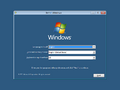
Setup
-
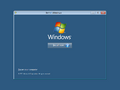
Install Now
-
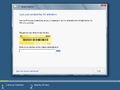
Enter product key
-
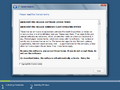
End-user license agreement
-
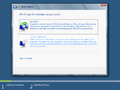
Installation type
-
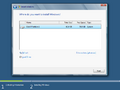
Disk Partitioning
-
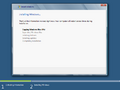
Expanding Windows files
-
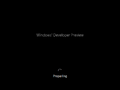
Preparing
-
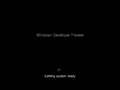
Getting system ready


Out-of-box experience
-

OOBE

Redpill-specific
-
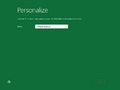
Personalize
-
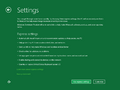
Settings


Interface
-
启动屏幕
-
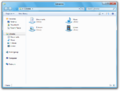
Windows Explorer
-
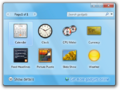
Gadget Gallery
-
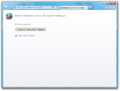
Internet Explorer
-
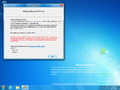
Desktop with
winver -
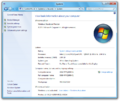
System Properties


Redpill-specific
-
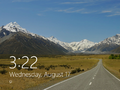
Lock Screen
-
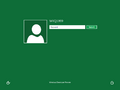
Login Screen
-
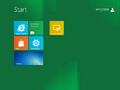
Start Screen
-
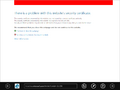
Metro IE
-
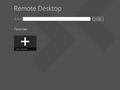
Remote Desktop
-
Windows Store
-
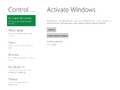
Settings
-
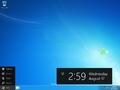
Desktop with the Charms menu open
-
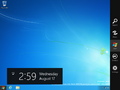
Charms Bar
-
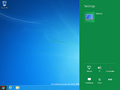
Settings Charm
-
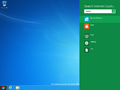
Search Charm
-
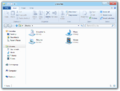
Windows Explorer
-
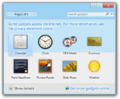
Gadget Gallery
-
Internet Explorer
-
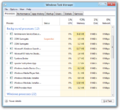
Windows Task Manager
-
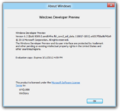
winver -
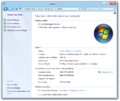
System Properties


Images uploaded prior to publication
-
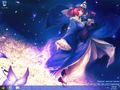
Desktop
-
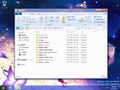
File Explorer


注
- ↑ The packages for these SKUs are in the build's component store, however the user must manually stage them to be able to use them