Windows 8 Build 8432.0.fbl_loc.120611-2000
| Windows 8 的版本 | |
 | |
| 操作系统系列 | Windows NT 系列 |
|---|---|
| NT 版本 | Windows NT 6.2 |
| 内部版本号 | 8432 |
| 修订版本号 | 0 |
| 体系结构 | x86 |
| 内部版本实验室 | fbl_loc |
| 编译日期 | 2012 年 6 月 11 日 |
| 有效期 | |
| 时间炸弹 | 2013 年 1 月 15 日 (+218 天) |
| 关于对话框 | |
 | |
Windows 8 build 8432 (fbl_loc) is a pre-RTM build of Windows 8. It was originally uploaded to BetaArchive on 3 January 2019 in the English (United Kingdom) and Simplified Chinese languages. Other localization variants of this build were uploaded on 25 December 2019.
This build is notable for being the last known build to feature the Desktop Gadget Gallery before it was removed due to security risks.
SKU 版本和密钥
| Edition / SKU Name | 密钥 | Architecture | Language | Availability |
|---|---|---|---|---|
| Core | 2H7NK-3VJJY-HHY3Y-WM3T8-JFCRY | x86 | [a] | 是 |
| Professional | GCNRF-BHBCM-W9YWM-VWQP6-TJBWR | |||
| ProfessionalWMC (edition upgrade only) | MBFBV-W3DP2-2MVKN-PJCQD-KKTF7 | |||
| — | — | x64 | — | 否 |
| — | — | ARM32 (ARMv7) | — | 否 |
Changes
Windows Setup
Out-of-box experience
The boot spinner has been removed from the first logon animation.
User interface
Windows Aero
This is the first available build to remove the glass effects featured in the Windows Aero visual style in favor of a flat design, in turn aligning with the Metro design language guidelines. By default, colorization is only shown on the taskbar, although an option for enabling color within window borders can also be accessed through the Personalization Control Panel.
The Aero Lite theme can now only be enabled through normal means by using the High Contrast accessibility options.
Background
The default wallpaper has been reverted to the older Windows 7 logon background.
Bugs and quirks
Incomplete "Microsoft Confidential" disclaimer
The "Microsoft Confidential" disclaimer watermark on the desktop is incomplete in the French, German, Greek, Hungarian, and Lithuanian language versions.
Japanese localization
The "For testing purposes only" watermark on the desktop is left untranslated.
Gallery
Chinese (Simplified) variant
-
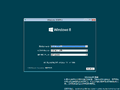
Setup
-
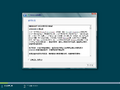
EULA
-
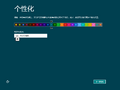
Personalization
-
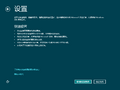
Settings
-
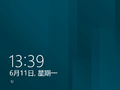
Lock Screen
-
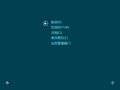
Ctrl+Alt+Del Menu
-
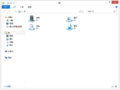
Windows Explorer
-
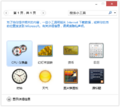
Gadgets
-
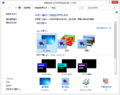
Personalize
-
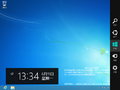
Charms Bar
-
Command Prompt
-
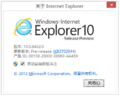
About Internet Explorer
-
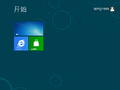
Start Screen
-
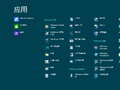
Start Screen - All Apps View
-
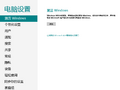
PC Settings
-
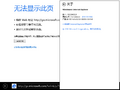
About Metro IE
-
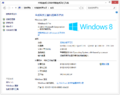
System Properties


Chinese (Traditional) variant
-
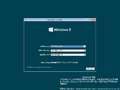
Setup
-
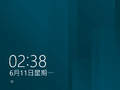
Lock Screen
-
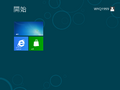
Start Screen
-
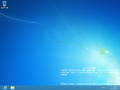
Desktop
-
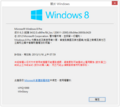
Winver


Croatian variant
-
Setup
-
OOBE
-
Lock Screen
-
Start Screen
-
Desktop
-
Charms Bar
-
Winver
Czech variant
-
Setup
-
OOBE
-
Lock Screen
-
Start Screen
-
Desktop
-
Charms Bar
-
Winver
Danish variant
-
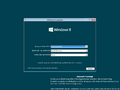
Setup
-
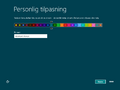
OOBE
-
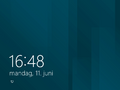
Lock Screen
-
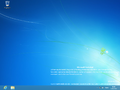
Desktop
-
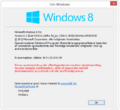
Winver


English (United Kingdom) variant
-
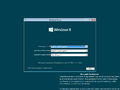
Setup
-
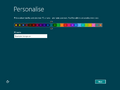
OOBE
-
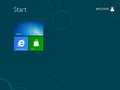
Start Screen
-
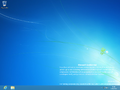
Desktop
-
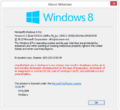
Winver
-
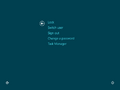
Ctrl+Alt+Del Menu
-
Shutting Down


English (United States) variant
-
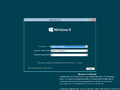
Setup
-
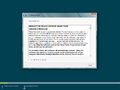
License Terms
-
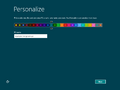
OOBE
-
-
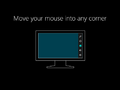
-
-
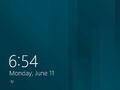
Lock Screen
-
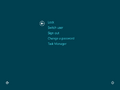
Ctrl+Alt+Del Menu
-
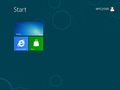
Start Screen
-
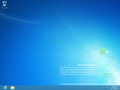
Desktop
-
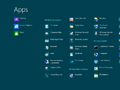
Start Screen - All Apps View
-
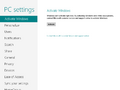
PC Settings
-
Store
-
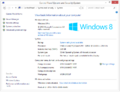
System Properties
-
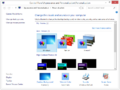
Personalization
-
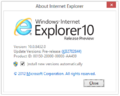
About Internet Explorer
-
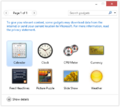
Gadgets
-
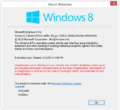
Winver


Estonian variant
-
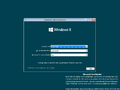
Setup
-
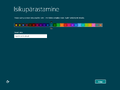
OOBE
-
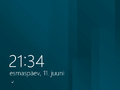
Lock Screen
-
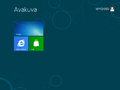
Start Screen
-
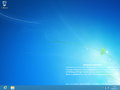
Desktop
-
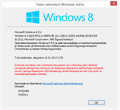
Winver


Finnish variant
-
Setup
-
OOBE
-
Lock Screen
-
Start Screen
-
Desktop
-
Charms Bar
-
Winver
French variant
-
Setup
-
OOBE
-
Lock Screen
-
Start Screen
-
Desktop
-
Winver
German variant
-
Setup
-
OOBE
-
Lock Screen
-
Desktop
-
Winver
Greek variant
-
Setup
-
EULA
-
OOBE
-
Lock Screen
-
Start Screen
-
Start Screen - All apps view
-
PC Settings
-
Store
-
Desktop
-
Charms Bar
-
Windows Explorer
-
About Internet Explorer
-
System Properties
-
Gadgets
-
Winver
Hebrew variant
-
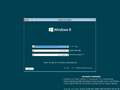
Setup
-
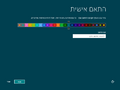
OOBE
-
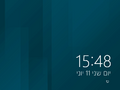
Lock Screen
-
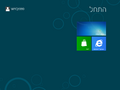
Start Screen
-
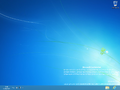
Desktop
-
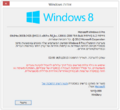
Winver


Hungarian variant
-
Setup
-
Lock Screen
-
Start Screen
-
Desktop
-
Charms Bar
-
Winver
Japanese variant
-
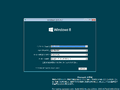
Setup
-
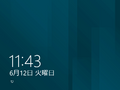
Lock Screen
-
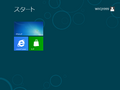
Start Screen
-
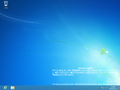
Desktop
-
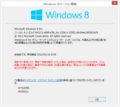
Winver


Korean variant
-
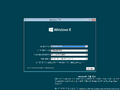
Setup
-
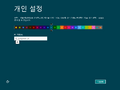
OOBE
-
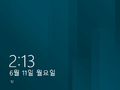
Lock Screen
-
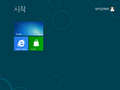
Start Screen
-
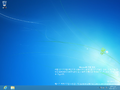
Desktop
-
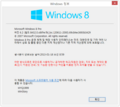
Winver


Lithuanian variant
-
Setup
-
OOBE
-
Lock Screen
-
Start Screen
-
Desktop
-
Winver
Portuguese (Brazil) variant
-
Setup
-
OOBE
-
Lock screen
-
Start screen
-
Desktop
-
winver
Portuguese (Portugal) variant
-
Setup
-
OOBE
-
Lock Screen
-
Start Screen
-
Desktop
-
Winver
Romanian variant
-
Setup
-
OOBE
-
Lock Screen
-
Desktop
-
Winver
Russian variant
-
Setup
-
EULA
-
OOBE
-
Start Screen
-
PC Settings
-
Desktop
-
Charms Bar
-
Personalization
-
Winver
Serbian (Latin) variant
-
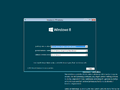
Setup
-
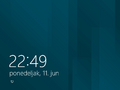
Lock Screen
-
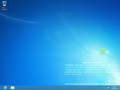
Desktop
-
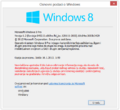
Winver


Slovak variant
-
Setup
-
Setup
-
Lock Screen
-
Start Screen
-
Desktop
-
Winver
Slovenian variant
-
Setup
-
Setup
-
Lock Screen
-
Start Screen
-
Desktop
-
Winver
Spanish variant
-
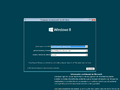
Setup
-
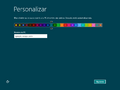
OOBE
-
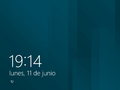
Lock Screen
-
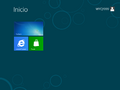
Start Screen
-
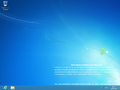
Desktop
-
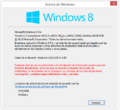
Winver


Swedish variant
-
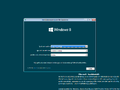
Setup
-
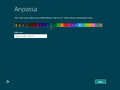
OOBE
-
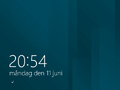
Lock Screen
-
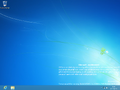
Desktop
-
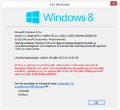
Winver


Turkish variant
-
Setup
-
OOBE
-
Lock Screen
-
Start Screen
-
Desktop
-
Winver
Ukrainian variant
-
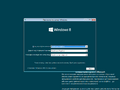
Setup
-
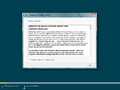
EULA
-
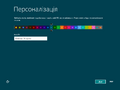
OOBE
-
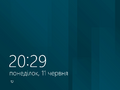
Lock Screen
-
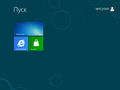
Start Screen
-
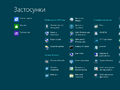
Start screen - all apps view
-
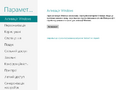
PC Settings
-
Store
-
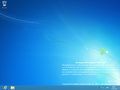
Desktop
-
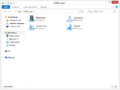
Windows Explorer
-
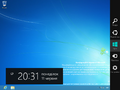
Charms Bar
-
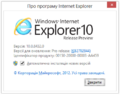
About Internet Explorer
-
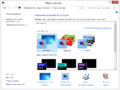
Personalization
-
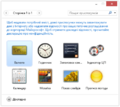
Gadgets
-
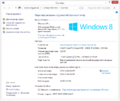
System Properties
-
Ctrl+Alt+Del Menu
-
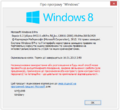
Winver


Miscellaneous
-
Boot Screen
-
Beginning of tutorial
-
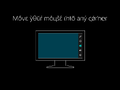
Charms bar bringup instructions
-
End of tutorial


注
- ↑ Croatian, Czech, Danish, English (U.K.), English (U.S.), Estonian, Finnish, French, German, Greek, Hebrew, Hungarian, Japanese, Korean, Lithuanian, Portuguese (Brazil), Portuguese (Portugal), Romanian, Russian, Serbian, Simplified Chinese, Slovak, Slovenian, Spanish, Swedish, Thai, Traditional Chinese, Turkish, Ukrainian