Windows 8 Build 8148.0.winmain.111103-1846
| Windows 8 的版本 | |
 | |
| 操作系统系列 | Windows NT 系列 |
|---|---|
| NT 版本 | Windows NT 6.2 |
| 内部版本号 | 8148 |
| 修订版本号 | 0 |
| 体系结构 | x86, x64 |
| 内部版本实验室 | winmain |
| 编译日期 | 2011 年 11 月 3 日 |
| 有效期 | |
| 时间炸弹 | 2012 年 10 月 1 日 (+333 天) |
| 已知 SKU 版本 | |
Beta (Prerelease) | |
| 产品密钥 | |
| H9VCT-63NFW-FWHDR-F4J43-972K8 | |
| 关于对话框 | |
 | |
  | |
Windows 8 build 8148 is a build of Windows 8 originally uploaded to BetaArchive on 17 May 2015 in the x86 and x64 architectures[1] with other versions of this build, such as its server counterpart, being shared since then. This build has also been shared in multiple languages, such as Simplified Chinese, English, French, German and Japanese.
新增功能和更改
- Metro apps can now be closed.
- System Information now shows the BIOS mode on which Windows is installed on.
- The Immersive Control Panel has been renamed back to "Control Panel" instead of "System settings" like in the previous build.
Bugs, quirks, and observations
DiskPart
DiskPart will report after launch that it is being deprecated and might not be available in a future release.[2]
Localization
- Since not all of the strings have been translated yet, some places remain in pseudo-localized English in the German language version.
- In the German language, the Microsoft confidential text on the watermark cuts off early.
High Contrast Window Color page
By entering the High Contrast Window Color page, then in another window switching to Windows Basic followed by applying a change in the Window Color page, Windows will temporarily apply a nearly empty visual style, causing Windows Classic elements to be seen in all applications, while allowing Desktop Window Manager to function and still be toggled, and completely breaking new Explorer and Control Panel windows, some Charms Bar functionality, and the Start Screen if enough time passes. This can be fixed by simply logging out. Trying this with Aero will result in the visual style being switched to Aero Lite instead.
Gallery
Simplified Chinese version
Setup
-
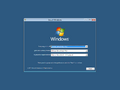
Setup
-
Preparing for first use
-

OOBE
-
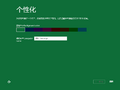
Personalization
-
Finalizing your settings


Interface
-

Lock Screen
-
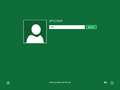
Login Screen
-
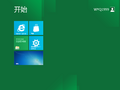
Start Screen
-
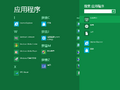
Search Charm
-
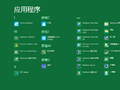
Apps
-
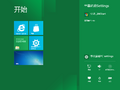
Settings Charm
-
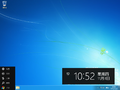
Left Charms Bar
-
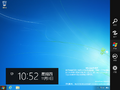
Right Charms Bar
-
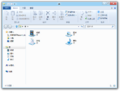
Windows Explorer
-
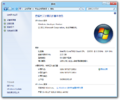
System Properties
-
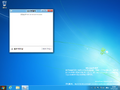
Task Manager
-
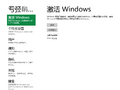
System Settings
-
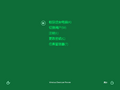
Ctrl+Alt+Delete Screen


English version
Setup
-
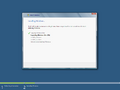
Installation
-
OOBE
-
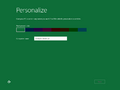
Personalization
-
Finalizing your settings


Upgrade
-
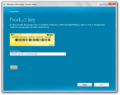
Enter Product Key
-
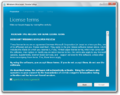
EULA
-
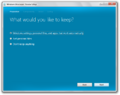
Keep Windows Files
-
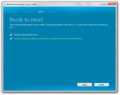
Ready to Install
-
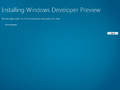
Installing Windows


Interface
-
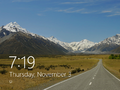
Lock Screen
-
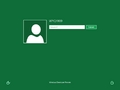
Login Screen
-
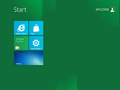
Start Screen
-
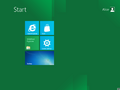
Start Screen Bug
-
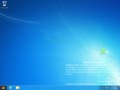
Desktop
-
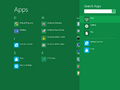
Search Charm
-
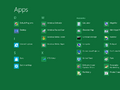
Apps
-
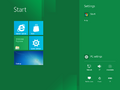
Settings Charm
-
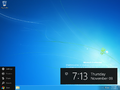
Left Charms Menu
-
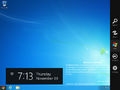
Right Charms Menu
-
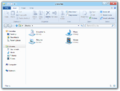
Windows Explorer
-
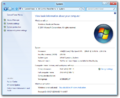
System Properties
-
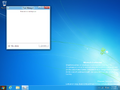
Task Manager
-
Internet Explorer 10
-
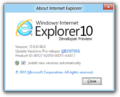
About Internet Explorer 10
-
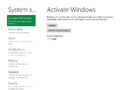
System Settings
-
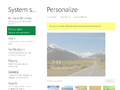
Ditto. Start Screen Background
-
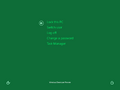
Ctrl+Alt+Del Screen
-
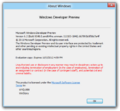
Winver


German version
Setup
-
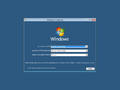
Setup
-
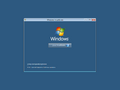
Install Now
-
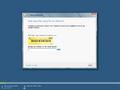
Product Key
-
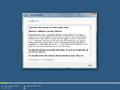
EULA
-
Preparing
-
OOBE
-
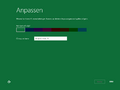
Personalization
-
Finalizing your settings


Interface
-
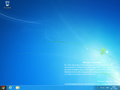
Desktop
-
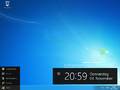
Left Charms Bar
-
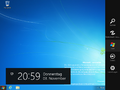
Right Charms Bar
-
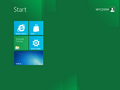
Start Screen
-
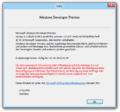
Winver
-
Store
-
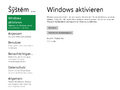
System Settings


Japanese version
Setup
-
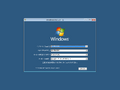
Setup
-
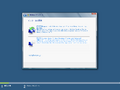
Installation Type
-
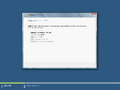
Expand Windows Files
-
Updating Registry Settings
-
Preparing
-
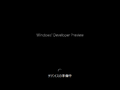
Preparing Devices
-
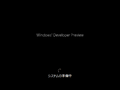
Preparing System
-
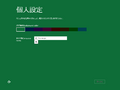
Personalize
-
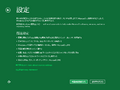
Settings
-
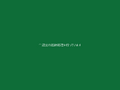
Finalizing Your Settings


Interface
-

Lock Screen
-
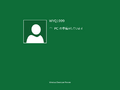
Preparing Your PC
-
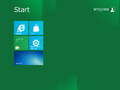
Start Screen
-
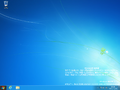
Desktop
-
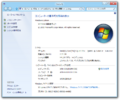
System Properties
-
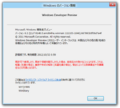
Winver
-
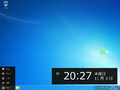
Left Charms Bar
-
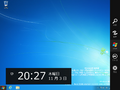
Right Charms Bar
-
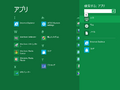
Search Charm
-
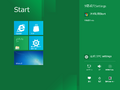
Settings Charm
-
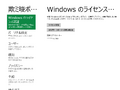
System Settings
-
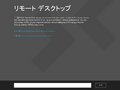
Remote Desktop Connection
-
Store
-
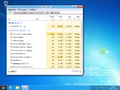
Task Manager
-
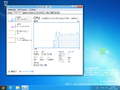
Ditto, Performance Page
-
Ctrl+Alt+Del Screen
-
ReStarting
-
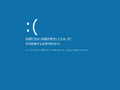
Blue screen of death


French version
Screenshots uploaded prior to publication
-

High Contrast Window Color page bug

Miscellaneous
-
启动屏幕

引用资料
- ↑ https://www.betaarchive.com/forum/viewtopic.php?f=2&t=34228
- ↑ Sigma on X. 23 April 2020.